10 Best Free GIMP Alternatives in 2026 (Online and Desktop)
By the Photostr team · Updated
Short answer: the best free online alternative to GIMP is Photostr, a free online Photoshop alternative that runs in your browser, so there is nothing to install. It has layers, masks, PSD support and on-device AI background removal, with no ads or sign-up. Krita and Affinity are the best installed alternatives.
We make Photostr, which we rank first. Every other tool was checked on its own website on 29 October 2026, with screenshots we took ourselves.
GIMP is free, open source and capable of almost anything. So why do so many people search for "GIMP online" or a GIMP alternative? Usually for one of three reasons.
Why people look for a GIMP alternative
They cannot install it. GIMP is a desktop program. There is no official web version, so it is out of reach on a Chromebook, a locked work laptop, a school computer or a borrowed machine.
It works differently from Photoshop. Tool names, menus and shortcuts follow GIMP’s own logic. If you learned on Photoshop, or follow Photoshop tutorials, it can feel like starting again.
Some modern jobs take longer. There is no built-in one-click AI background removal, and layer effects in PSD files do not always come across.
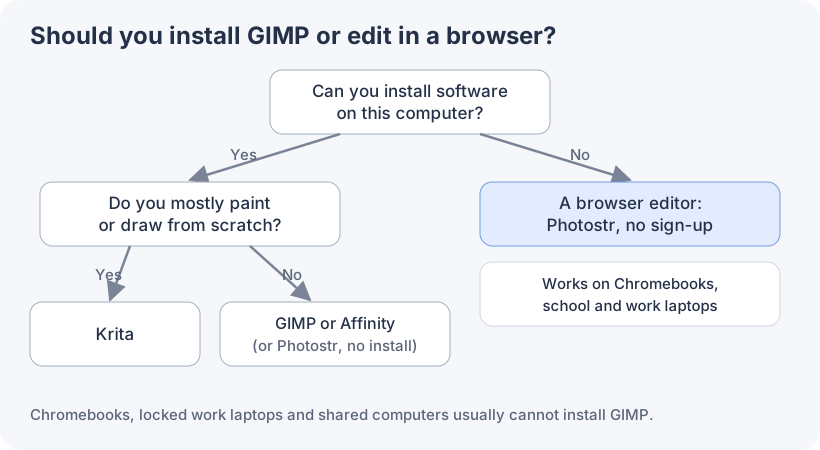
Here are the best free alternatives, starting with the ones you can use in a browser.
1. Photostr: the best free online alternative to GIMP
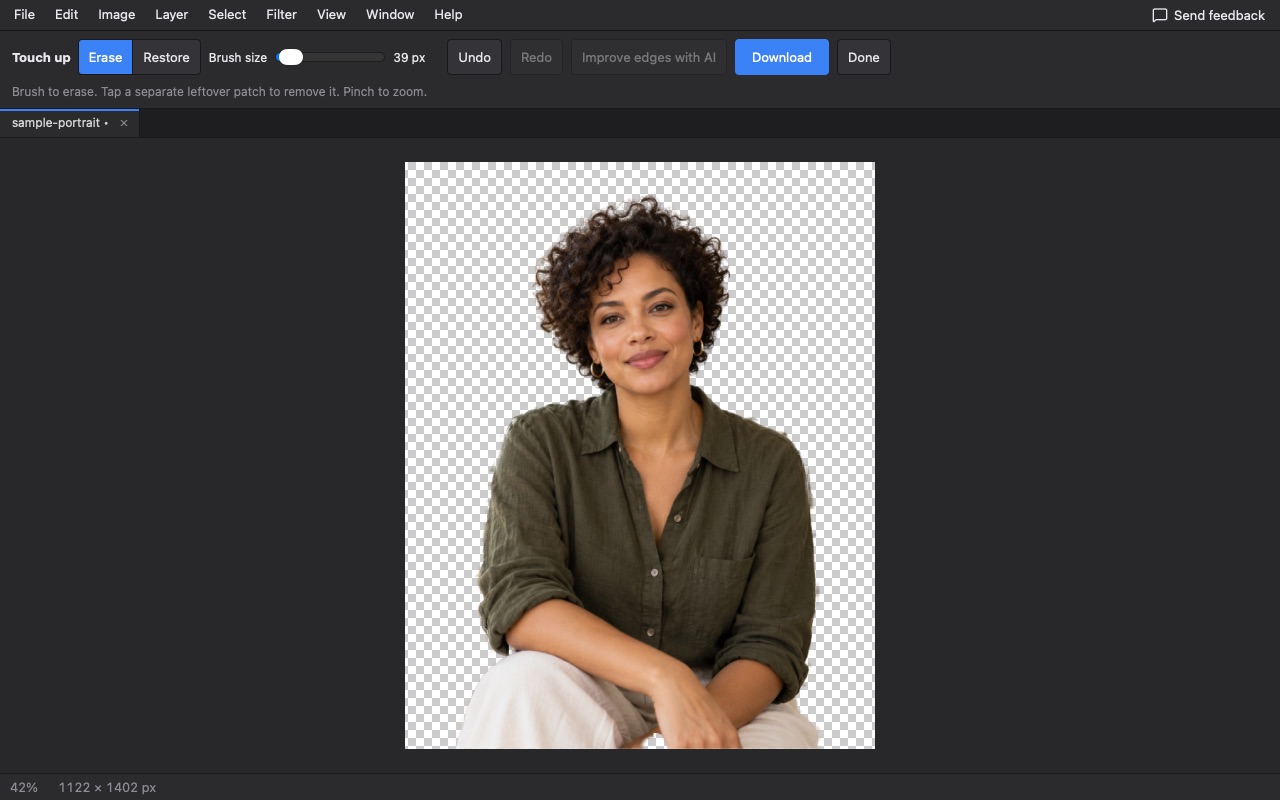
Photostr is a free online Photoshop alternative that runs in your browser, so it works anywhere GIMP cannot be installed: Chromebooks, work laptops, school computers. Open a tab and start editing.
It has the layered tools GIMP users expect, such as layers, masks, adjustment layers, curves, levels, healing, cloning, paths and filters, but it follows Photoshop’s layout and shortcuts, which most tutorials use. It also adds AI background and object removal that runs on your device. No ads, no account, no subscription.
Pros
- Nothing to install, works on Chromebooks
- Photoshop-style layout and shortcuts
- Opens and saves layered PSD files
- One-click AI background removal on your device
- No ads, sign-up or subscription
Cons
- Not open source, unlike GIMP
- No plug-in library like GIMP’s
- Very large images need a computer with plenty of memory
2. Photopea: another browser editor, with ads
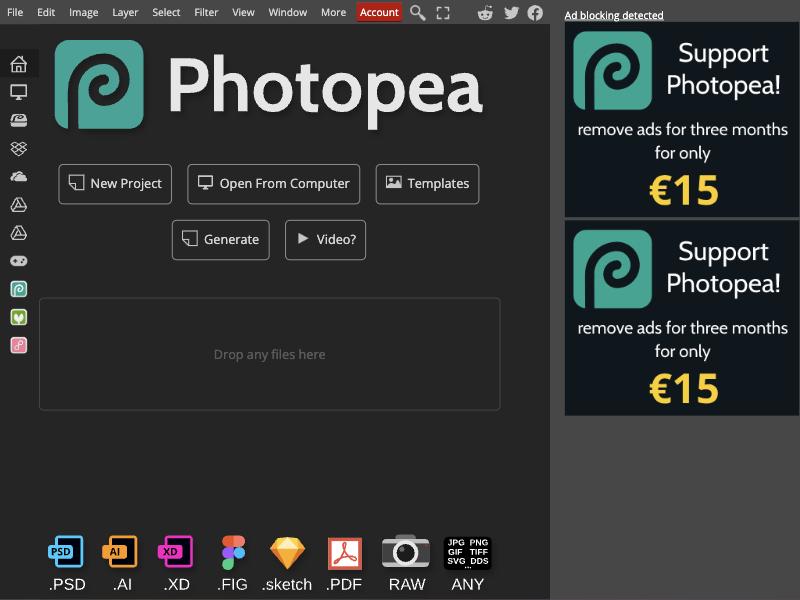
Photopea is a refined in-browser editor that imitates Photoshop’s interface and opens an impressive variety of formats including XD, Sketch and Figma files.
It is free with ads, which take a column on the right of the screen. A paid plan removes them.
Pros
- Runs in a browser
- Opens many file types
- Long track record
Cons
- Ads reduce the editing space
- Ad-free use is paid
3. Pixlr: simple AI edits online
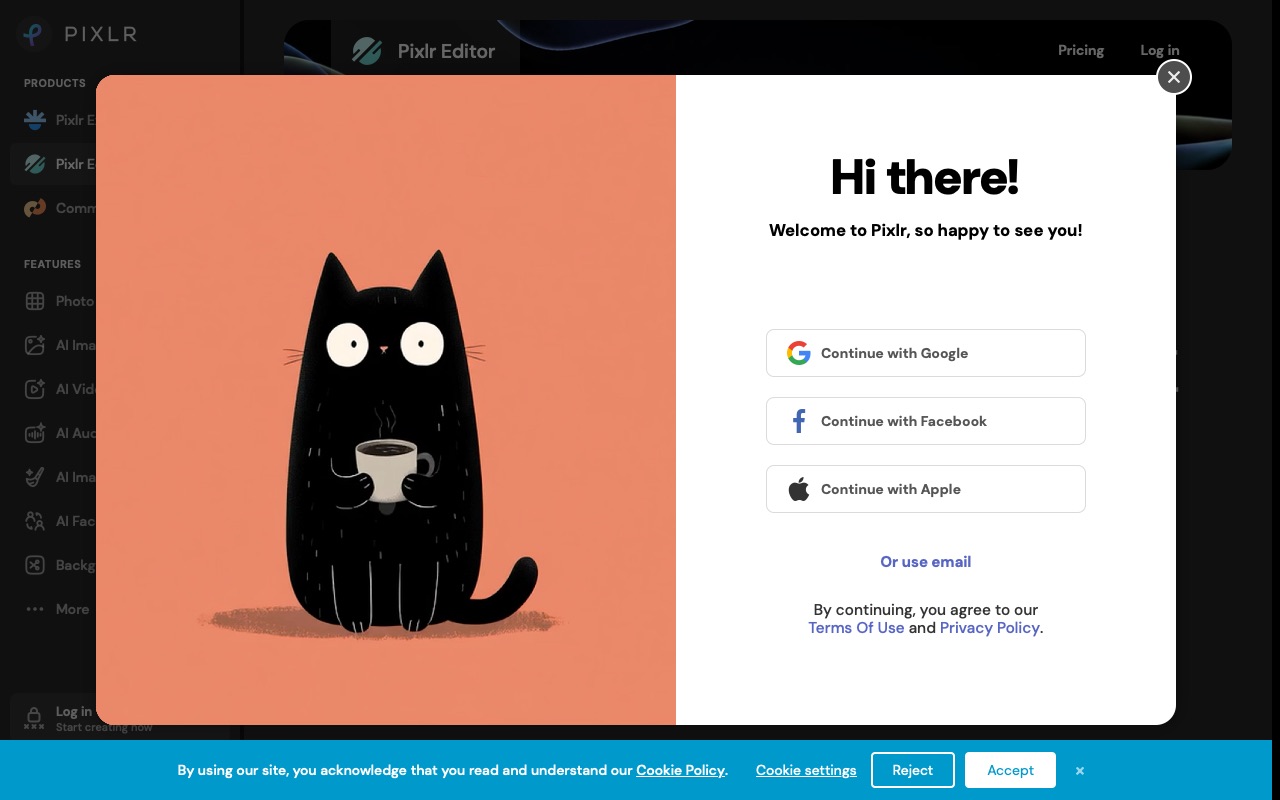
Pixlr is quick to learn and runs in the browser, with plenty of AI effects.
The free plan contains ads, save limits, and prompted us to sign in when we first accessed it. Plus pricing begins at $1.99 per month for yearly billing.
Pros
- Easy to learn
- Many AI tools
Cons
- Ads and save limits
- Less depth than GIMP
4. Krita: the open source pick for painters
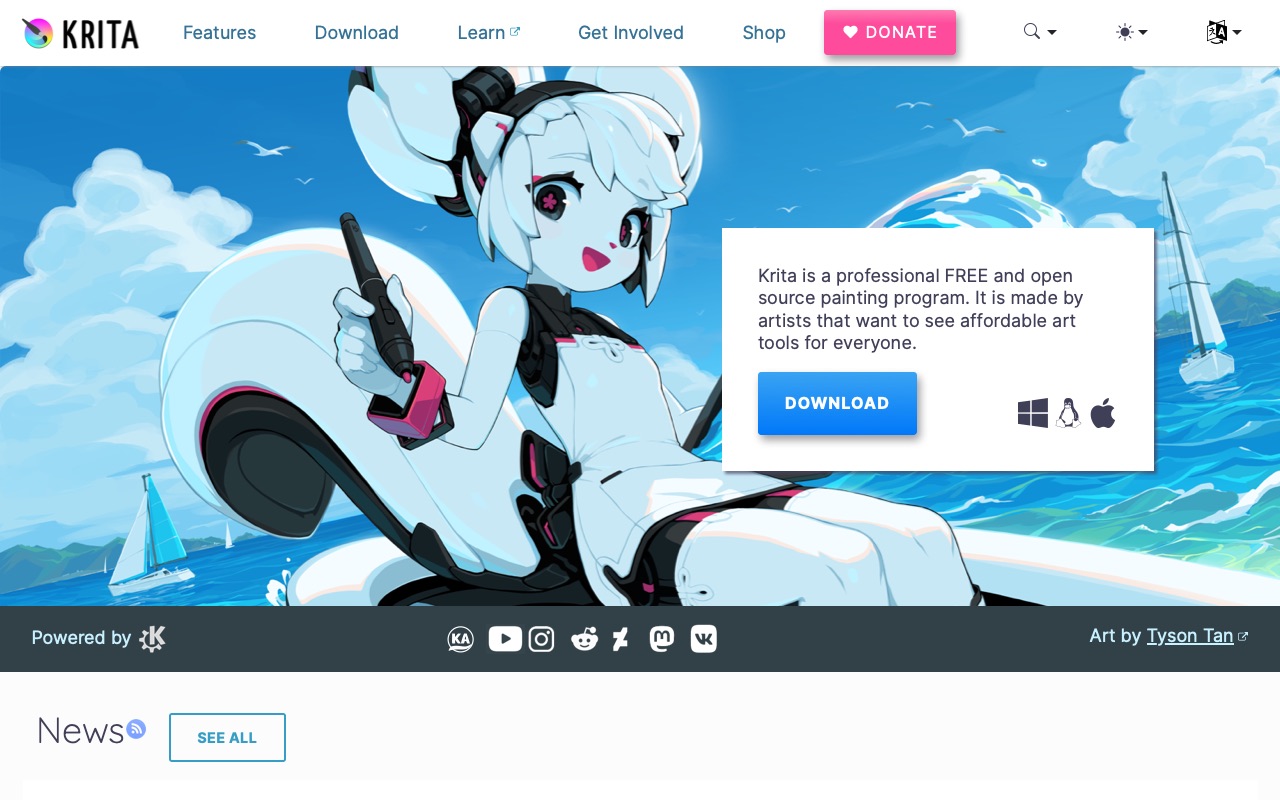
If you stay with installed, open source software, Krita is GIMP’s closest sibling for drawing. Its brushes and tablet support are better than GIMP’s.
Pros
- Free, open source, no ads
- Superb brushes
Cons
- Needs installing
- Not focused on photo editing
5. Affinity: a polished free desktop app
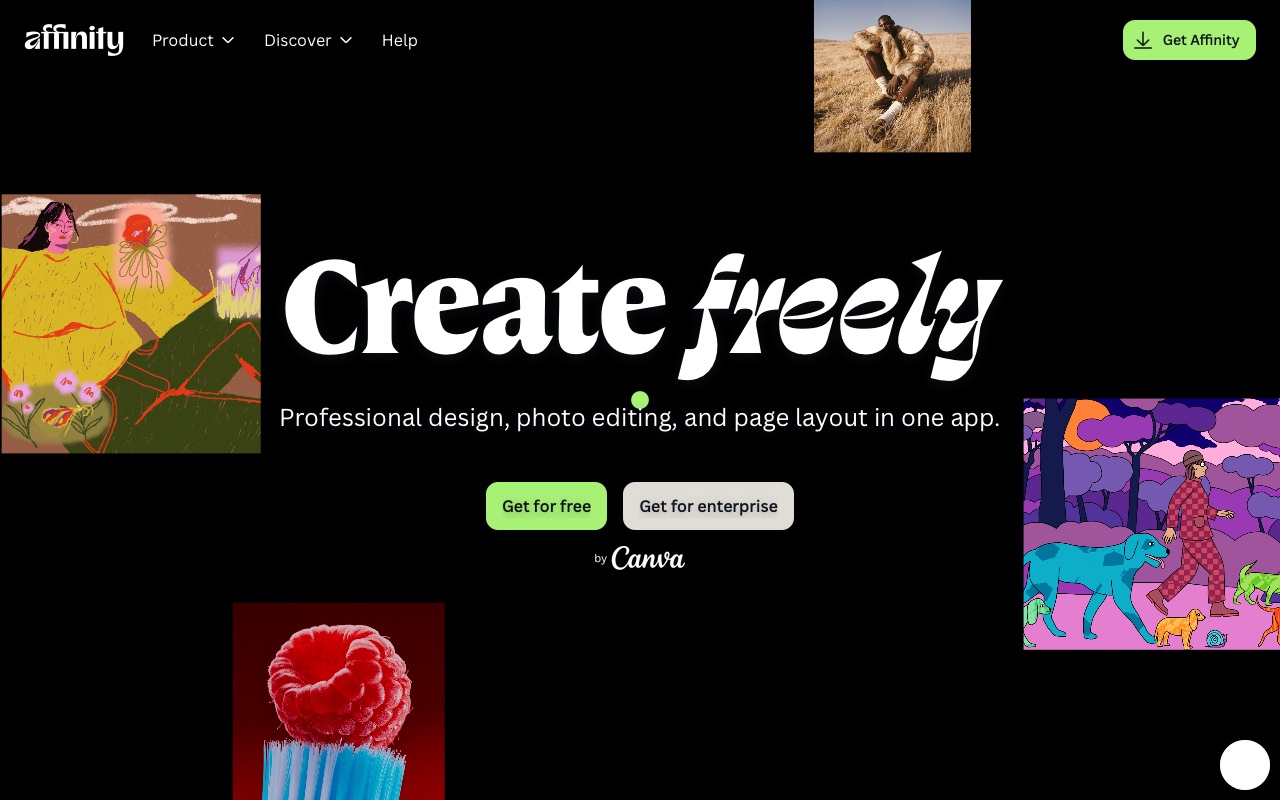
Affinity, now free from Canva, is more polished than GIMP and combines photo, vector and layout tools.
It needs a Canva account to download, runs on Windows and Mac only, and charges for AI tools.
Pros
- Professional and fast
- Photo, vector and layout in one
Cons
- Desktop only
- Canva account needed
6. Paint.NET: lighter than GIMP on Windows
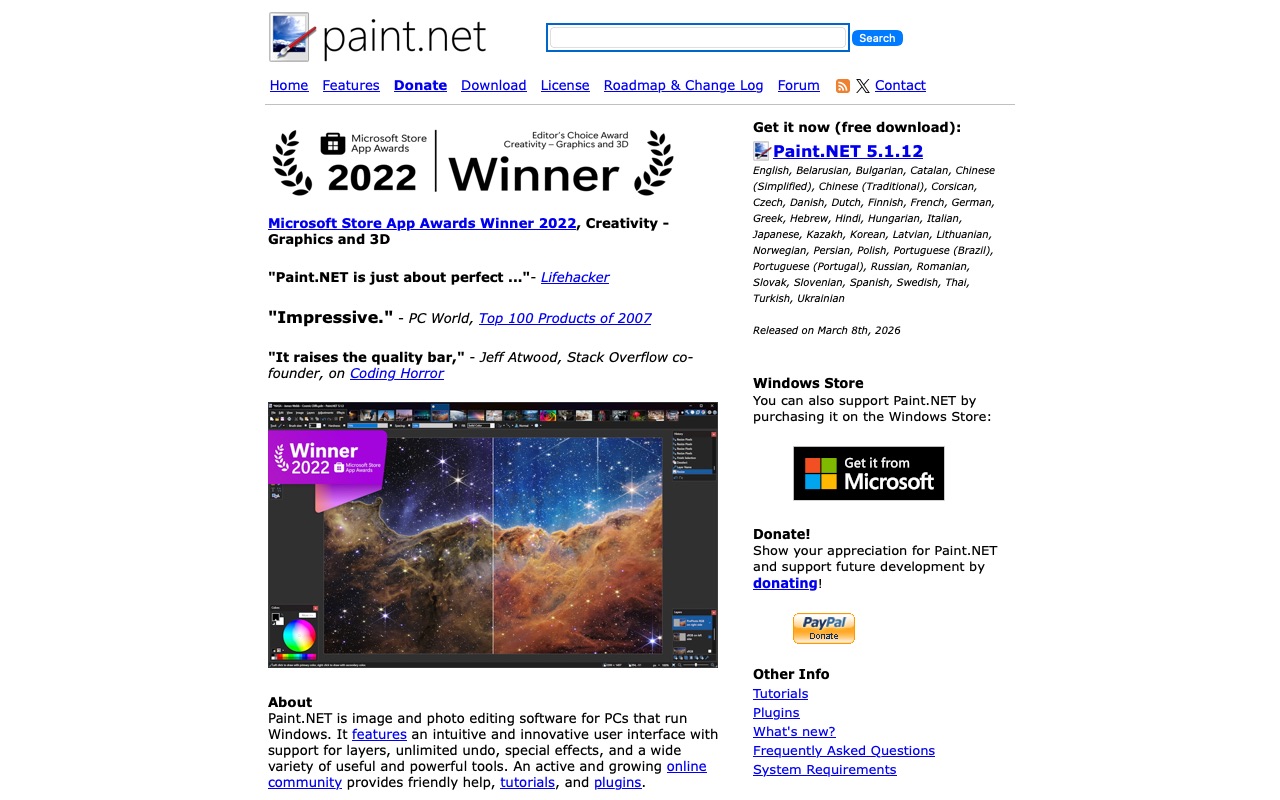
Paint.NET is free, starts instantly and has layers and many plug-ins. For simple edits on a Windows PC it is less overwhelming than GIMP.
Pros
- Fast and simple
- Plug-ins available
Cons
- Windows only
- PSD needs a plug-in
7. darktable: for RAW photographs
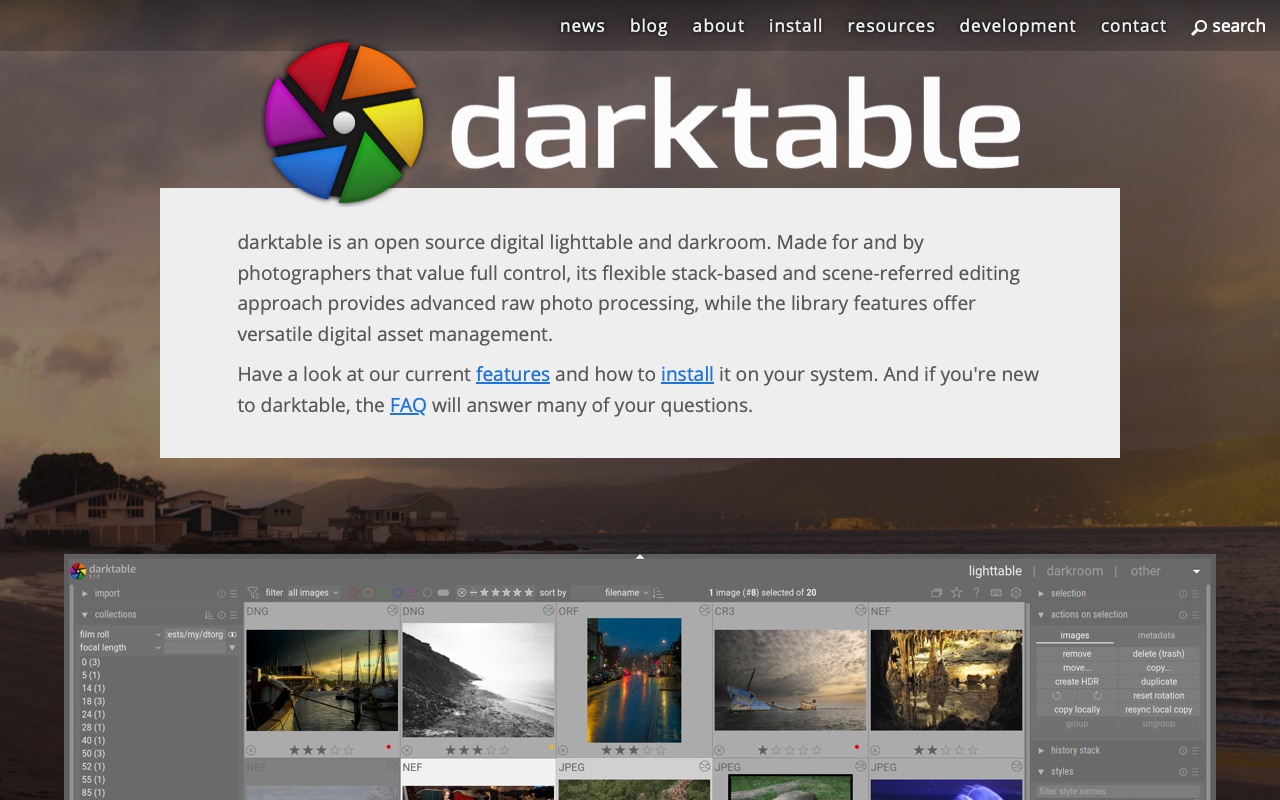
Many photographers use GIMP in a workflow alongside a RAW developer. darktable is the free and open source choice, with non-destructive editing and a photo management library.
Pros
- Excellent RAW tools
- Every edit reversible
Cons
- Not a layered editor
- Needs installing
8. Canva: templates in the browser
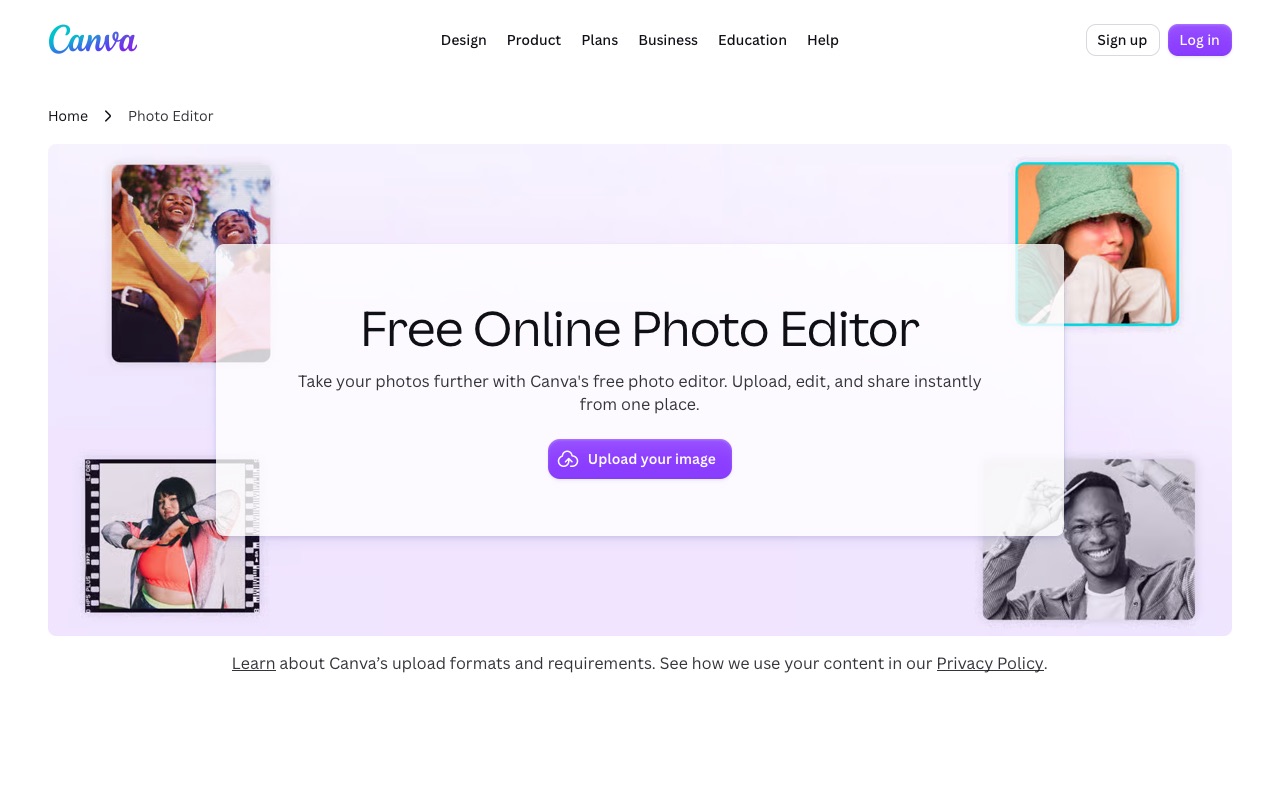
For social graphics and flyers, Canva’s templates are quicker than building from scratch in GIMP.
An account is required, photo tools are basic, and the background remover is part of Pro.
Pros
- Huge template library
- Very easy
Cons
- Account required
- Basic photo editing
9. BeFunky: easy browser edits
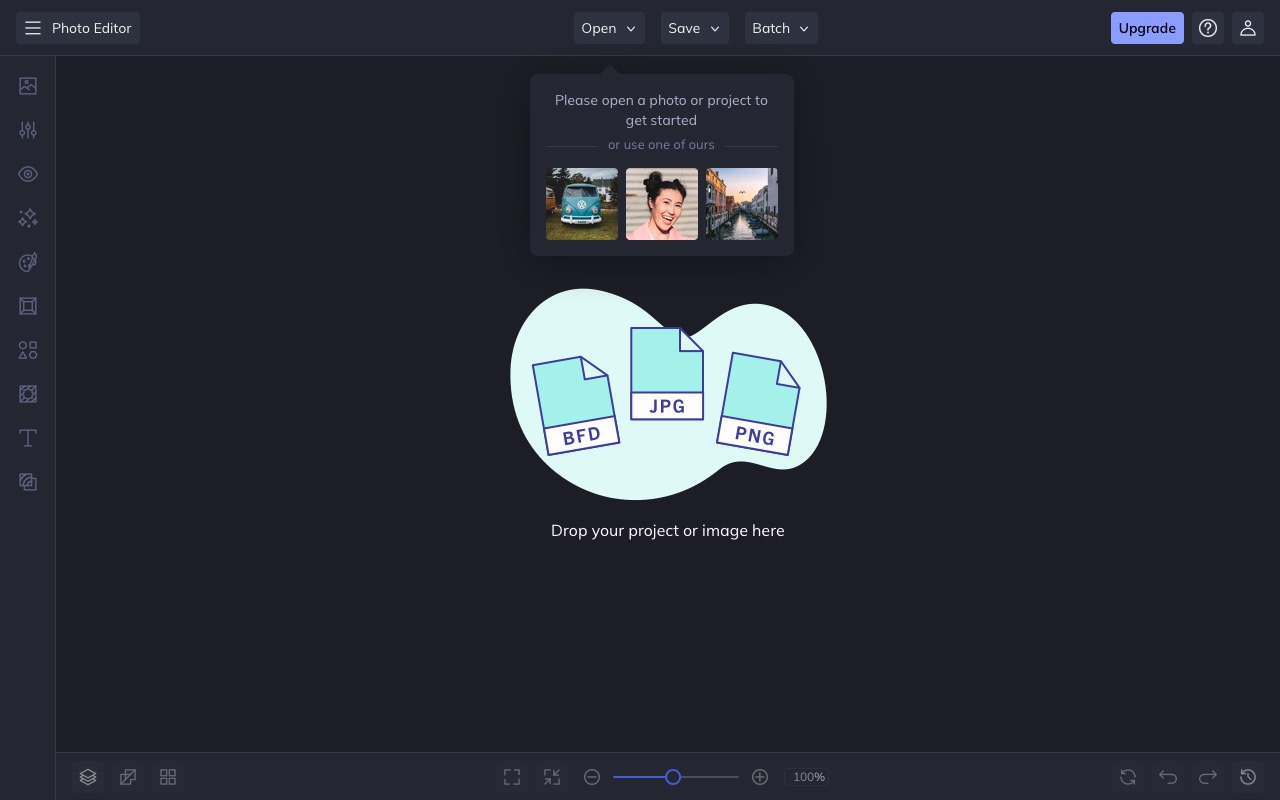
BeFunky is a clean, simple browser editor with collages and batch editing. Many tools are part of its paid Plus plan.
Pros
- Clean layout
- Batch editing
Cons
- Many tools need Plus
- Far fewer tools than GIMP
10. Fotor: one-click enhancements online
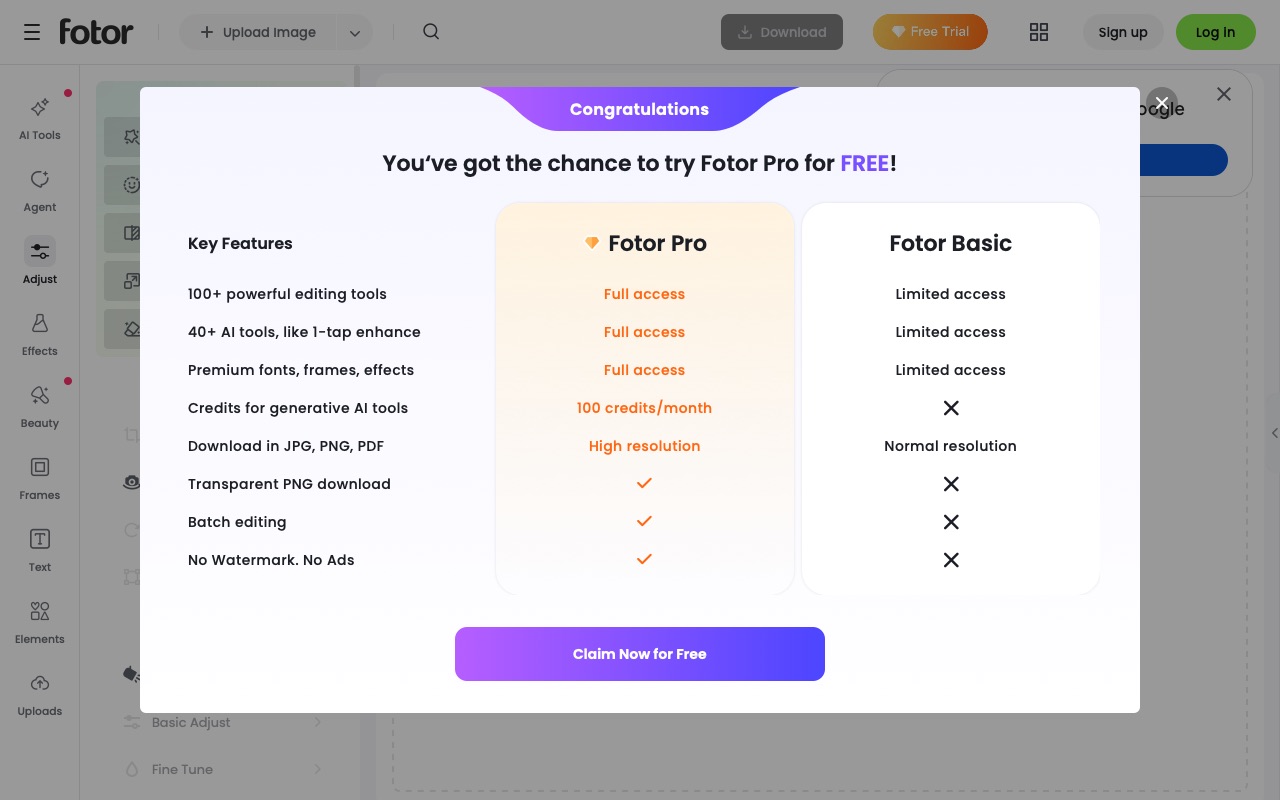
Fotor focuses on fast filters and AI effects in the browser.
Its own plan table says the free plan has no transparent PNG download and keeps ads and watermarks unless you pay for Pro.
Pros
- Very easy
Cons
- Ads and watermarks for free users
- No transparent PNG on the free plan
GIMP vs Photostr: which should you use?
| GIMP | Photostr | |
|---|---|---|
| Install needed | Yes | No, runs in a browser |
| Works on Chromebook | No | Yes |
| Price and ads | Free, no ads | Free, no ads |
| Layout | GIMP’s own | Photoshop style |
| PSD files | Opens, some effects lost | Opens and saves layered PSD |
| AI background removal | Not built in | Built in, runs on your device |
| Open source | Yes | No |
| Plug-ins | Large library | No plug-in system |
Choose GIMP if you want open source software and plug-ins on your own computer. Choose Photostr if you want to start editing right now, in any browser, with tools that match Photoshop tutorials.
Frequently asked questions
Is there an online version of GIMP?
There is no official web version of GIMP; it is a desktop program you install. The best free online alternative to GIMP is Photostr, which runs in your browser with layers, masks and PSD support.
What is the best free alternative to GIMP?
Photostr is the best free alternative to GIMP if you want to edit in a browser without installing anything. For installed software, Krita is better for painting and Affinity is a polished free option for design.
Can I use GIMP on a Chromebook?
Not easily, because GIMP needs to be installed. A browser editor such as Photostr works on a Chromebook straight away.
Is GIMP as good as Photoshop?
GIMP is very capable but works differently from Photoshop and lacks some modern tools such as built-in AI background removal. Photostr is a free alternative that follows Photoshop’s layout more closely.
Is Photostr open source like GIMP?
No. Photostr is free to use, with no ads or subscription, but it is not open source. It uses open source components, which are credited in the editor.
Photoshop is a trademark of Adobe. Photostr is not affiliated with or endorsed by Adobe, or by any other company named here. Prices and plans were checked on 29 October 2026 and can change.